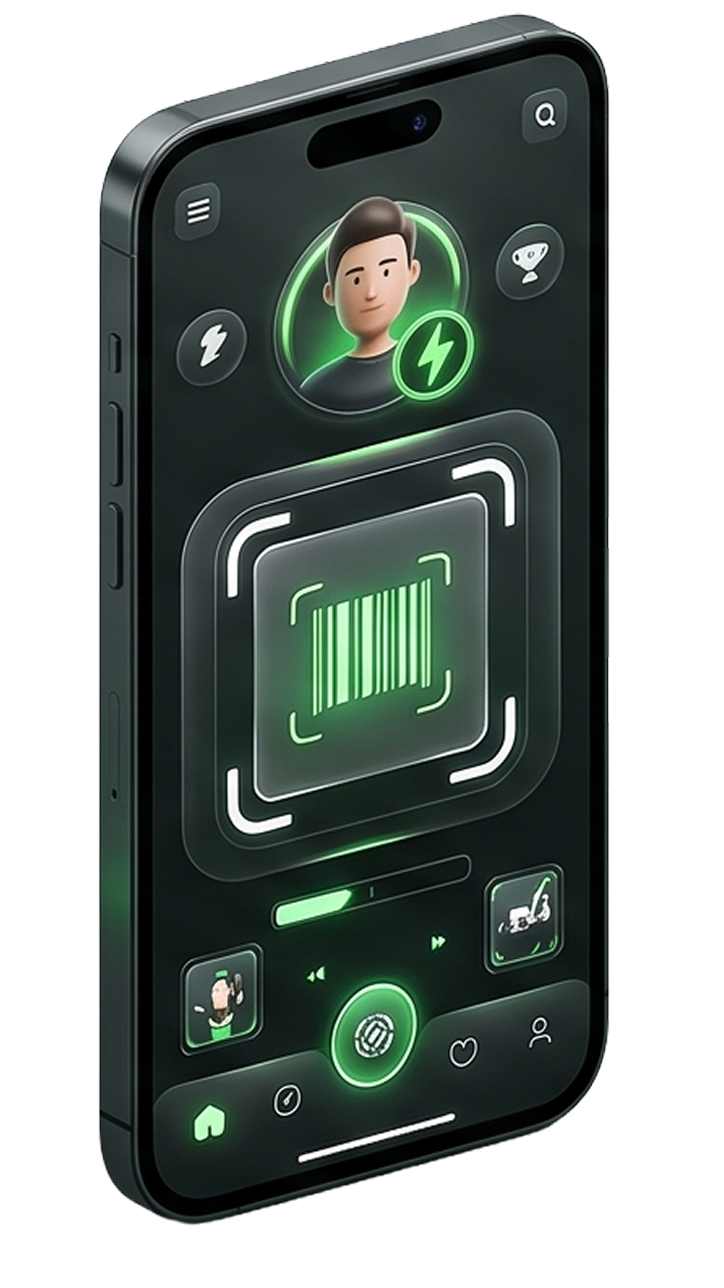
From the PlayToRedeem app
If your current PlayToRedeem app version includes account controls, sign in, open your account or profile settings, choose the delete-account or account-action request option, and submit the request from there.
Sign in to the PlayToRedeem mobile app.
Open your account, profile, or settings area.
Choose the delete-account or account-action request option if it is available in your app version.
Review the request details and submit the deletion request.