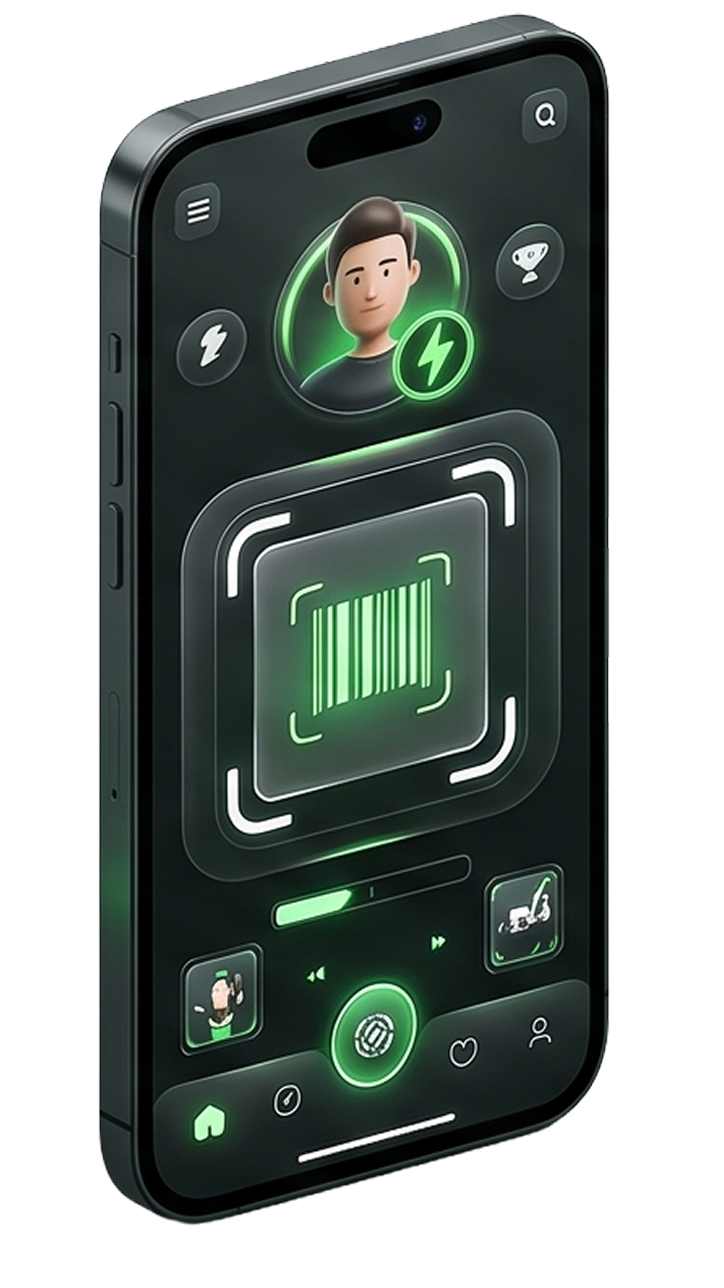
Browse approved stores on web
Users land on the public marketplace first, where they can browse categories, nearby stores, store previews, and reward labels before opening the app.
0 live stores and 0 active categories feed the public browse flow.
Store pages expose products, services, store offers, and category context.
Nearby and category pages help narrow the same marketplace feed.
Choose offers and continue in app
The store details flow decides what can be played. Users pick from playable offers and must stay within the store min and max selection rules before a session starts.
Store rules currently enforce a selectable range between 1 and 4 offers.
Playable offers can come from store, product, or service scope.
The web page previews the store, but the live play session continues inside the app.
Play, progress, and unlock
Once a session starts, the mobile app continues the active game flow, tracks progress, and handles visit, video, spin, or tap-based actions until the reward logic completes.
The app can resume active sessions through continue-playing.
Available games currently include Feed the Chicken and Match 3.
Progress, activity state, and promo links stay tied to the active session snapshot.
Claim in wallet and redeem in store
Completed rewards surface in the wallet as wins or claimed vouchers. Redemption then happens in store by QR or coupon code and is verified on the merchant side.
Wallet views separate wins, claimed vouchers, and active sessions.
Only claimable rewards should show a claim action.
In-store redemption finishes with QR or coupon verification.